
In the back office, on the “All participants” grid, you can add “key figures” columns related to networking (if necessary, see the article Grid presentation).
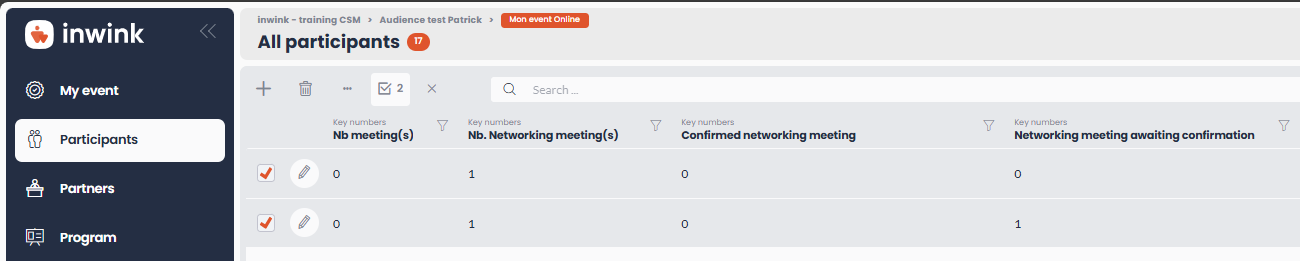
Here is how to interpret the figures displayed for each column:
- Number of meetings: :
- All meetings with Accepted status and where the participant also has Accepted status
- Number of networking meetings:
- All meetings with Meeting Request status and where the Participant also has Pending status
- Confirmed networking meetings:
- All meetings that are not business meetings with Accepted status and where the participant also has Accepted status
- Networking meetings awaiting confirmation:
- All meetings that are not business meetings with Meeting Request status and where the participant also has Pending status